> ## Documentation Index
> Fetch the complete documentation index at: https://docs.agentset.ai/llms.txt
> Use this file to discover all available pages before exploring further.
# Multimodal Input
> Process images and video alongside text
Agentset processes more than just text. Images embedded in your documents are automatically extracted and analyzed. You can also upload standalone images directly. YouTube videos can be ingested for transcript-based search.
## Images
Agentset supports images in two ways:
| Method | Description |
| :---------------------- | :----------------------------------------------------------------------------------------------------------------------- |
| **Images in documents** | When you upload PDFs, Word docs, or presentations containing images, Agentset automatically extracts and processes them. |
| **Standalone images** | Upload image files directly (`.png`, `.jpg`, `.jpeg`, `.webp`, `.gif`, `.tiff`) for processing. |
Both methods work the same way: each image is analyzed to generate a description and extract any visible text, making visual content searchable alongside your text.
### How image processing works
During generation, images are preserved and returned with their context, allowing your LLM to reference the original visuals when answering questions.
For example, if your document contains this image:
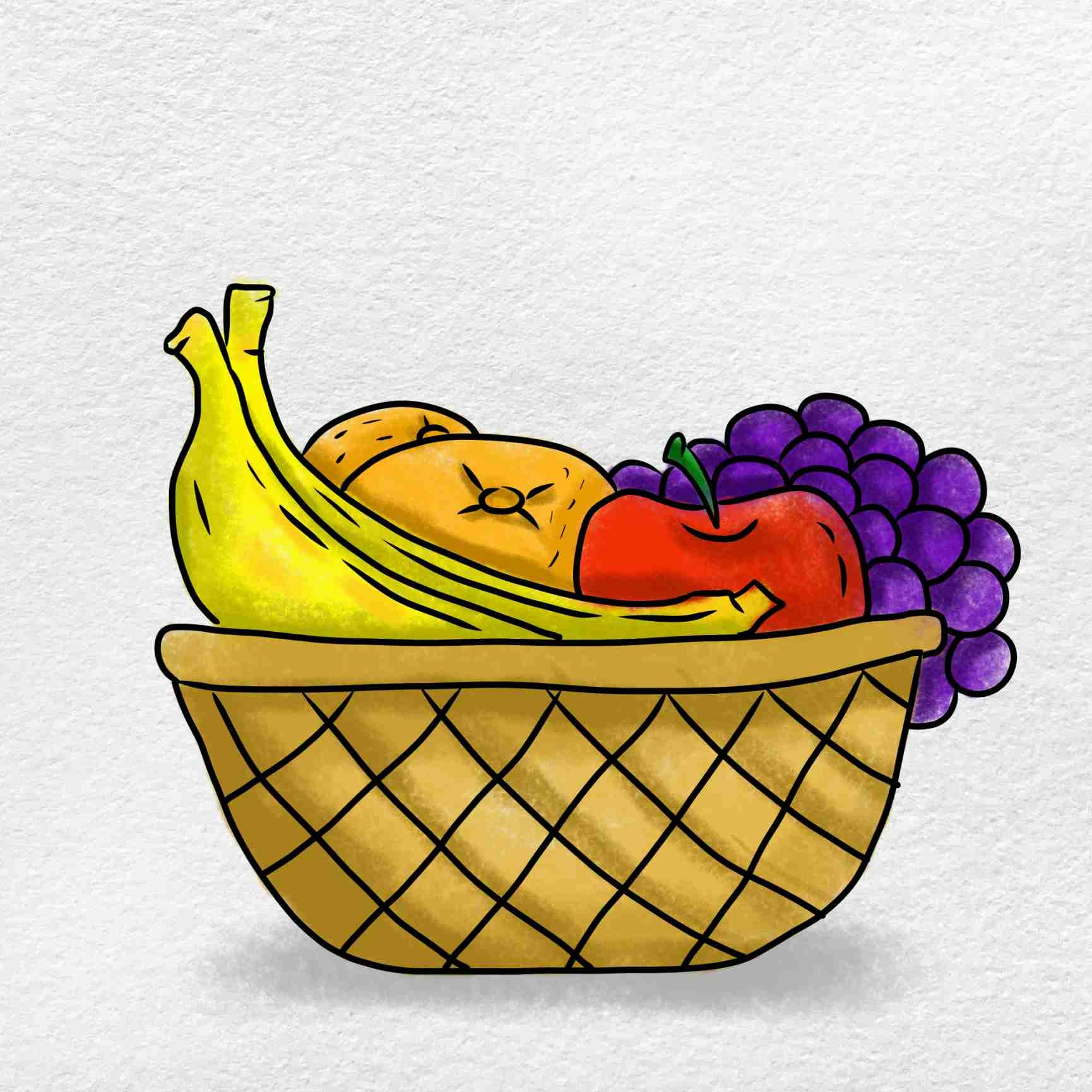 Agentset generates a description and returns it in markdown format:
```markdown theme={null}

```
This description becomes searchable—queries like "basket with apples" or "fresh fruit" will match this image.
### Native image embedding
For use cases requiring direct visual similarity search, Agentset supports multimodal embedding models that encode images natively rather than converting them to text descriptions. This is useful for product catalogs, visual search, and design asset retrieval.
[Contact us](mailto:founders@agentset.ai) for access to native image understanding.
## Audio and video
### YouTube
Ingest YouTube videos, playlists, and channels by providing their URLs. Agentset extracts transcripts and metadata, making video content searchable.
```typescript TypeScript theme={null}
import { Agentset } from "agentset";
const agentset = new Agentset({
apiKey: process.env.AGENTSET_API_KEY,
});
const ns = agentset.namespace("YOUR_NAMESPACE_ID");
const job = await ns.ingestion.create({
payload: {
type: "YOUTUBE",
urls: ["https://www.youtube.com/watch?v=dQw4w9WgXcQ"],
},
});
console.log(`Ingestion started: ${job.id}`);
```
```python Python theme={null}
import os
from agentset import Agentset
client = Agentset(
namespace_id="YOUR_NAMESPACE_ID",
token=os.environ["AGENTSET_API_KEY"],
)
job = client.ingest_jobs.create(
payload={
"type": "YOUTUBE",
"urls": ["https://www.youtube.com/watch?v=dQw4w9WgXcQ"],
}
)
print(f"Ingestion started: {job.data.id}")
```
#### Multiple videos
Pass multiple URLs to ingest several videos, playlists, or channels in a single request.
```typescript TypeScript theme={null}
const job = await ns.ingestion.create({
payload: {
type: "YOUTUBE",
urls: [
"https://www.youtube.com/watch?v=dQw4w9WgXcQ",
"https://www.youtube.com/playlist?list=PLrAXtmErZgOeiKm4sgNOknGvNjby9efdf",
"https://www.youtube.com/@AgentsetAI",
],
},
});
```
```python Python theme={null}
job = client.ingest_jobs.create(
payload={
"type": "YOUTUBE",
"urls": [
"https://www.youtube.com/watch?v=dQw4w9WgXcQ",
"https://www.youtube.com/playlist?list=PLrAXtmErZgOeiKm4sgNOknGvNjby9efdf",
"https://www.youtube.com/@AgentsetAI",
],
}
)
```
#### YouTube options
Configure transcript language and metadata extraction.
```typescript TypeScript theme={null}
const job = await ns.ingestion.create({
payload: {
type: "YOUTUBE",
urls: ["https://www.youtube.com/watch?v=dQw4w9WgXcQ"],
transcriptLanguages: ["en", "es", "fr"],
includeMetadata: true,
},
});
```
```python Python theme={null}
job = client.ingest_jobs.create(
payload={
"type": "YOUTUBE",
"urls": ["https://www.youtube.com/watch?v=dQw4w9WgXcQ"],
"transcriptLanguages": ["en", "es", "fr"],
"includeMetadata": True,
}
)
```
| Option | Type | Default | Description |
| :-------------------- | :-------- | :------- | :------------------------------------------------------------------------------------------------------------- |
| `transcriptLanguages` | string\[] | `["en"]` | Preferred transcript languages. Agentset fetches the first available transcript matching these language codes. |
| `includeMetadata` | boolean | `false` | Include video metadata (description, tags, category, duration) in the ingestion. |
YouTube ingestion is processed asynchronously. Learn how to [check upload status](/data-ingestion/upload-status).
### Other video and audio formats
[Contact us](mailto:founders@agentset.ai) for early access to additional video and audio formats.
## Next steps
* [API Reference](/api-reference/endpoint/ingest-jobs/create) — Multimodal ingestion parameters and options
* [Document Metadata](/data-ingestion/document-metadata) — Attach metadata for filtering
* [Search](/search-and-retrieval/search) — Query your multimodal content
Agentset generates a description and returns it in markdown format:
```markdown theme={null}

```
This description becomes searchable—queries like "basket with apples" or "fresh fruit" will match this image.
### Native image embedding
For use cases requiring direct visual similarity search, Agentset supports multimodal embedding models that encode images natively rather than converting them to text descriptions. This is useful for product catalogs, visual search, and design asset retrieval.
[Contact us](mailto:founders@agentset.ai) for access to native image understanding.
## Audio and video
### YouTube
Ingest YouTube videos, playlists, and channels by providing their URLs. Agentset extracts transcripts and metadata, making video content searchable.
```typescript TypeScript theme={null}
import { Agentset } from "agentset";
const agentset = new Agentset({
apiKey: process.env.AGENTSET_API_KEY,
});
const ns = agentset.namespace("YOUR_NAMESPACE_ID");
const job = await ns.ingestion.create({
payload: {
type: "YOUTUBE",
urls: ["https://www.youtube.com/watch?v=dQw4w9WgXcQ"],
},
});
console.log(`Ingestion started: ${job.id}`);
```
```python Python theme={null}
import os
from agentset import Agentset
client = Agentset(
namespace_id="YOUR_NAMESPACE_ID",
token=os.environ["AGENTSET_API_KEY"],
)
job = client.ingest_jobs.create(
payload={
"type": "YOUTUBE",
"urls": ["https://www.youtube.com/watch?v=dQw4w9WgXcQ"],
}
)
print(f"Ingestion started: {job.data.id}")
```
#### Multiple videos
Pass multiple URLs to ingest several videos, playlists, or channels in a single request.
```typescript TypeScript theme={null}
const job = await ns.ingestion.create({
payload: {
type: "YOUTUBE",
urls: [
"https://www.youtube.com/watch?v=dQw4w9WgXcQ",
"https://www.youtube.com/playlist?list=PLrAXtmErZgOeiKm4sgNOknGvNjby9efdf",
"https://www.youtube.com/@AgentsetAI",
],
},
});
```
```python Python theme={null}
job = client.ingest_jobs.create(
payload={
"type": "YOUTUBE",
"urls": [
"https://www.youtube.com/watch?v=dQw4w9WgXcQ",
"https://www.youtube.com/playlist?list=PLrAXtmErZgOeiKm4sgNOknGvNjby9efdf",
"https://www.youtube.com/@AgentsetAI",
],
}
)
```
#### YouTube options
Configure transcript language and metadata extraction.
```typescript TypeScript theme={null}
const job = await ns.ingestion.create({
payload: {
type: "YOUTUBE",
urls: ["https://www.youtube.com/watch?v=dQw4w9WgXcQ"],
transcriptLanguages: ["en", "es", "fr"],
includeMetadata: true,
},
});
```
```python Python theme={null}
job = client.ingest_jobs.create(
payload={
"type": "YOUTUBE",
"urls": ["https://www.youtube.com/watch?v=dQw4w9WgXcQ"],
"transcriptLanguages": ["en", "es", "fr"],
"includeMetadata": True,
}
)
```
| Option | Type | Default | Description |
| :-------------------- | :-------- | :------- | :------------------------------------------------------------------------------------------------------------- |
| `transcriptLanguages` | string\[] | `["en"]` | Preferred transcript languages. Agentset fetches the first available transcript matching these language codes. |
| `includeMetadata` | boolean | `false` | Include video metadata (description, tags, category, duration) in the ingestion. |
YouTube ingestion is processed asynchronously. Learn how to [check upload status](/data-ingestion/upload-status).
### Other video and audio formats
[Contact us](mailto:founders@agentset.ai) for early access to additional video and audio formats.
## Next steps
* [API Reference](/api-reference/endpoint/ingest-jobs/create) — Multimodal ingestion parameters and options
* [Document Metadata](/data-ingestion/document-metadata) — Attach metadata for filtering
* [Search](/search-and-retrieval/search) — Query your multimodal content