

1
Create Upstash Redis database
In your Upstash account, create a new Redis database.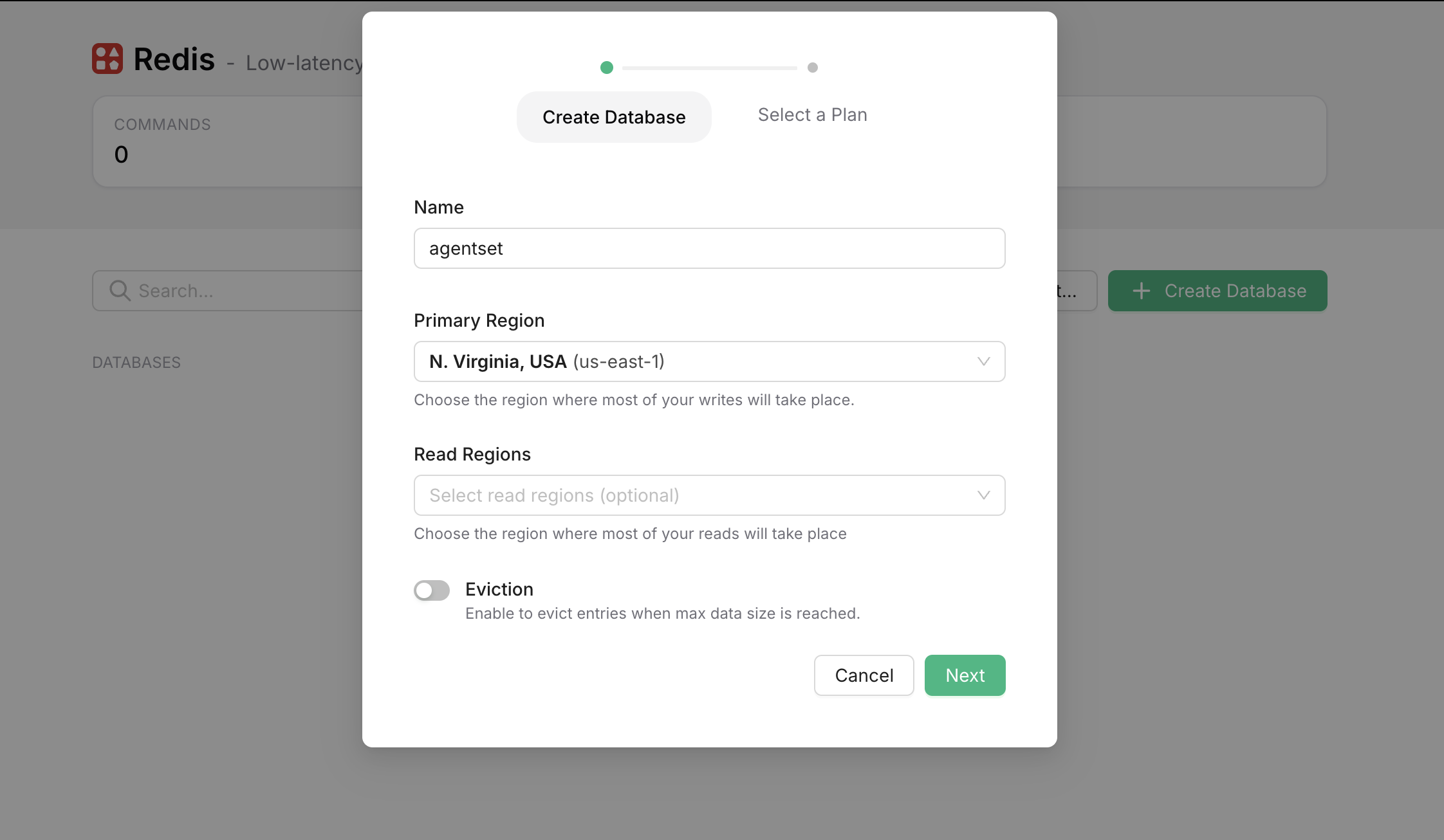
2
Set up Upstash environment variables
Once your database is created, copy the 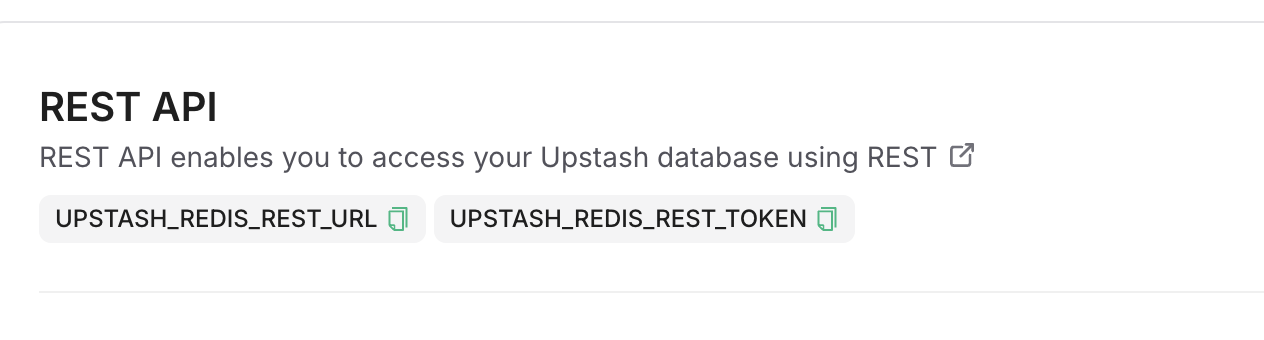
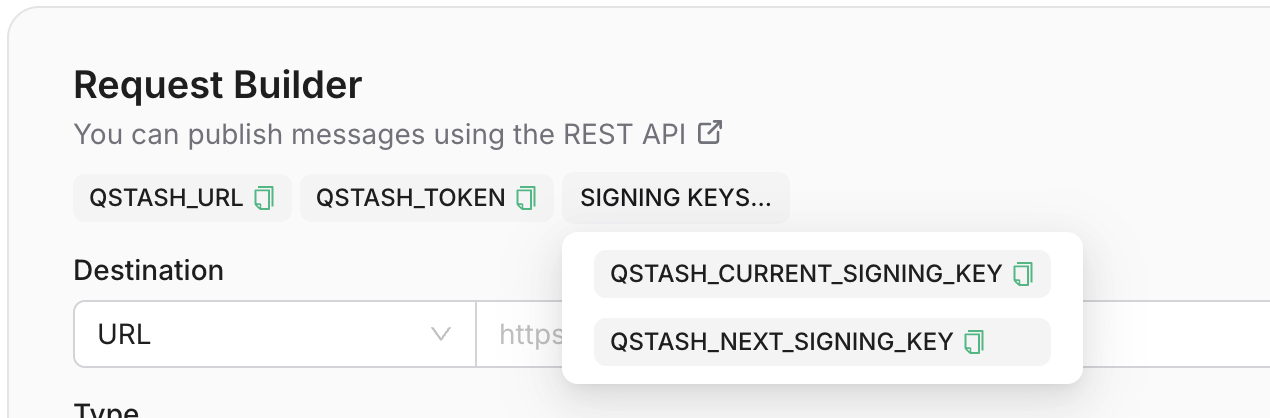
UPSTASH_REDIS_REST_URL and UPSTASH_REDIS_REST_TOKEN from the REST API section into your .env file as REDIS_URL and REDIS_TOKEN respectively.QSTASH_TOKEN, QSTASH_CURRENT_SIGNING_KEY, and QSTASH_NEXT_SIGNING_KEY from the Request Builder section into your .env file.