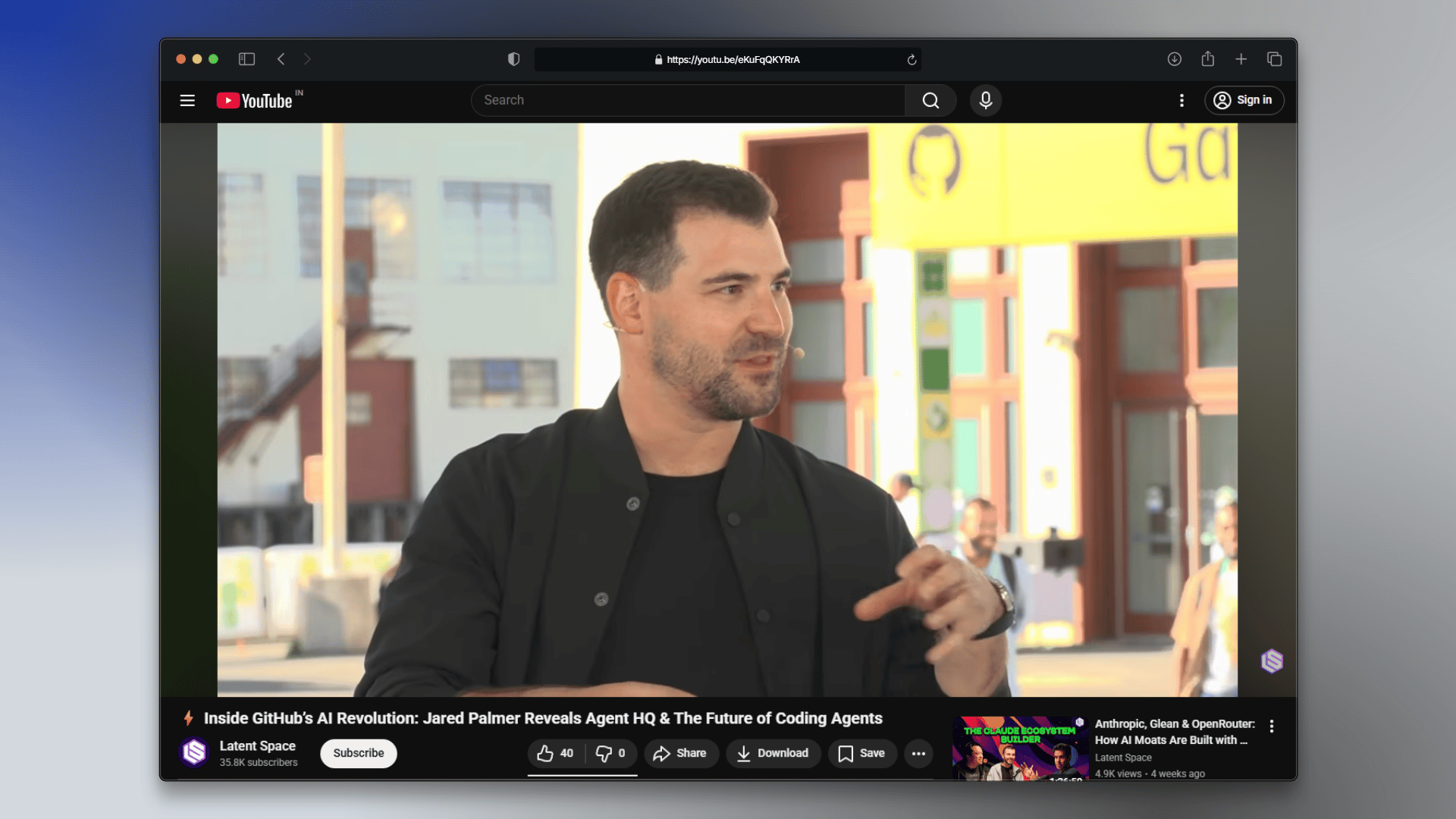
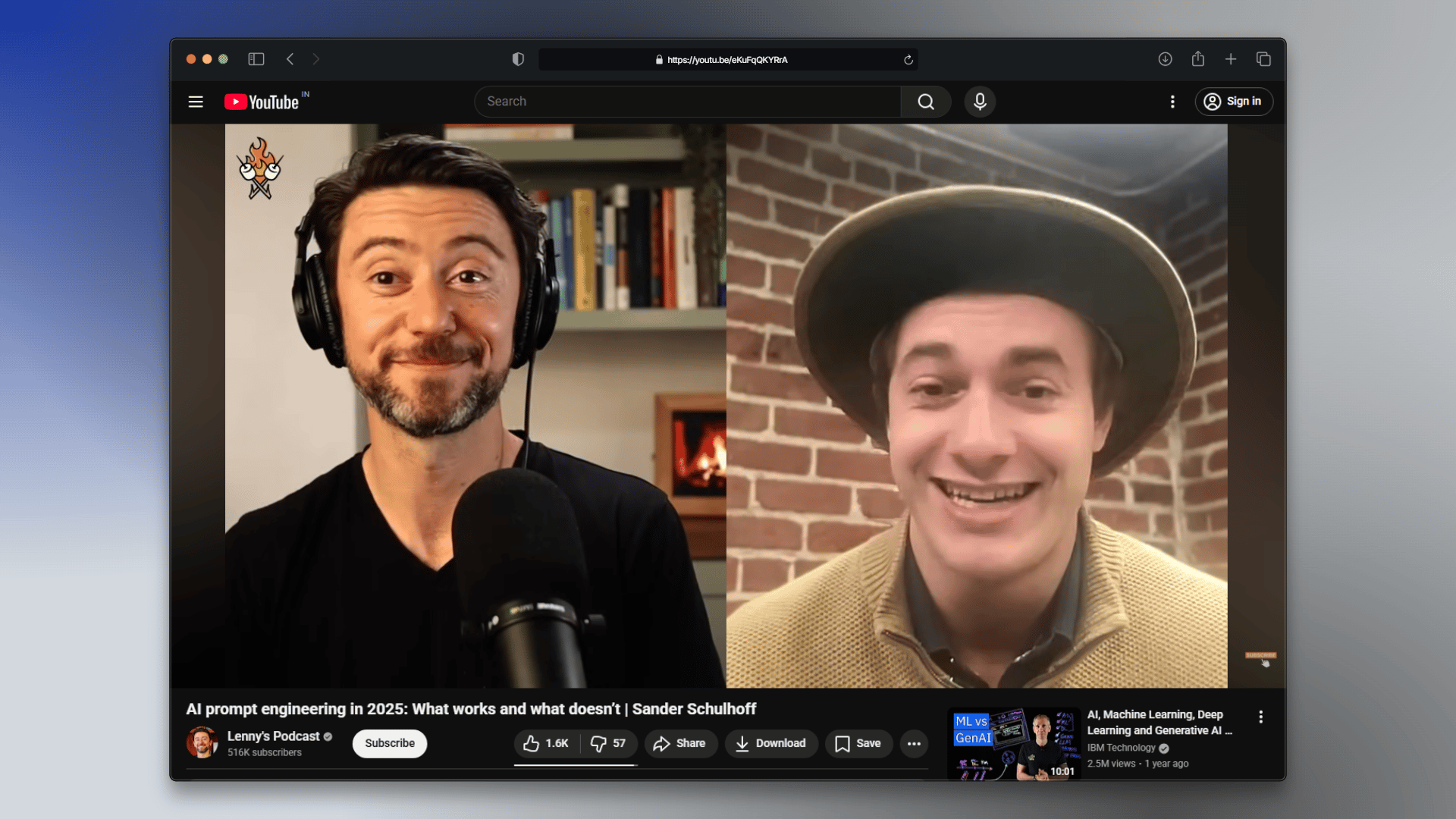
YouTube holds a wealth of knowledge: conference talks, podcasts, tutorials. Finding specific insights means scrubbing through hours of video. This cookbook shows you how to ingest YouTube content and turn it into a searchable knowledge base. What you’ll build:
  1. YouTube ingestion that extracts transcripts from playlists and individual videos
  2. Smart Q&A that routes questions to the right source type automatically
  3. Video recommendations that surface relevant videos instead of synthesized answers
We’ll use AI engineering content as our example dataset: conference talks from AI Engineer World’s Fair and podcast episodes. By the end, you’ll have a system that understands when to cite technical deep-dives vs. practitioner discussions.

Prerequisites

Before starting, ensure you have:
  • An Agentset account with a namespace and API key (API Reference)
  • An OpenAI API key for response generation
  • The Agentset SDK installed (npm install agentset or pip install agentset)

YouTube content we’ll ingest

We’ll ingest two types of YouTube content: a conference playlist (12 videos) and individual podcast episodes. Each will be tagged with metadata for smart routing later.

Step 1: Ingest a YouTube playlist

Pass a playlist URL and the ingestion automatically extracts each video’s transcript, chunks it, and creates embeddings. We’ll tag this content as conference for routing later. We will ingest this YouTube playlist
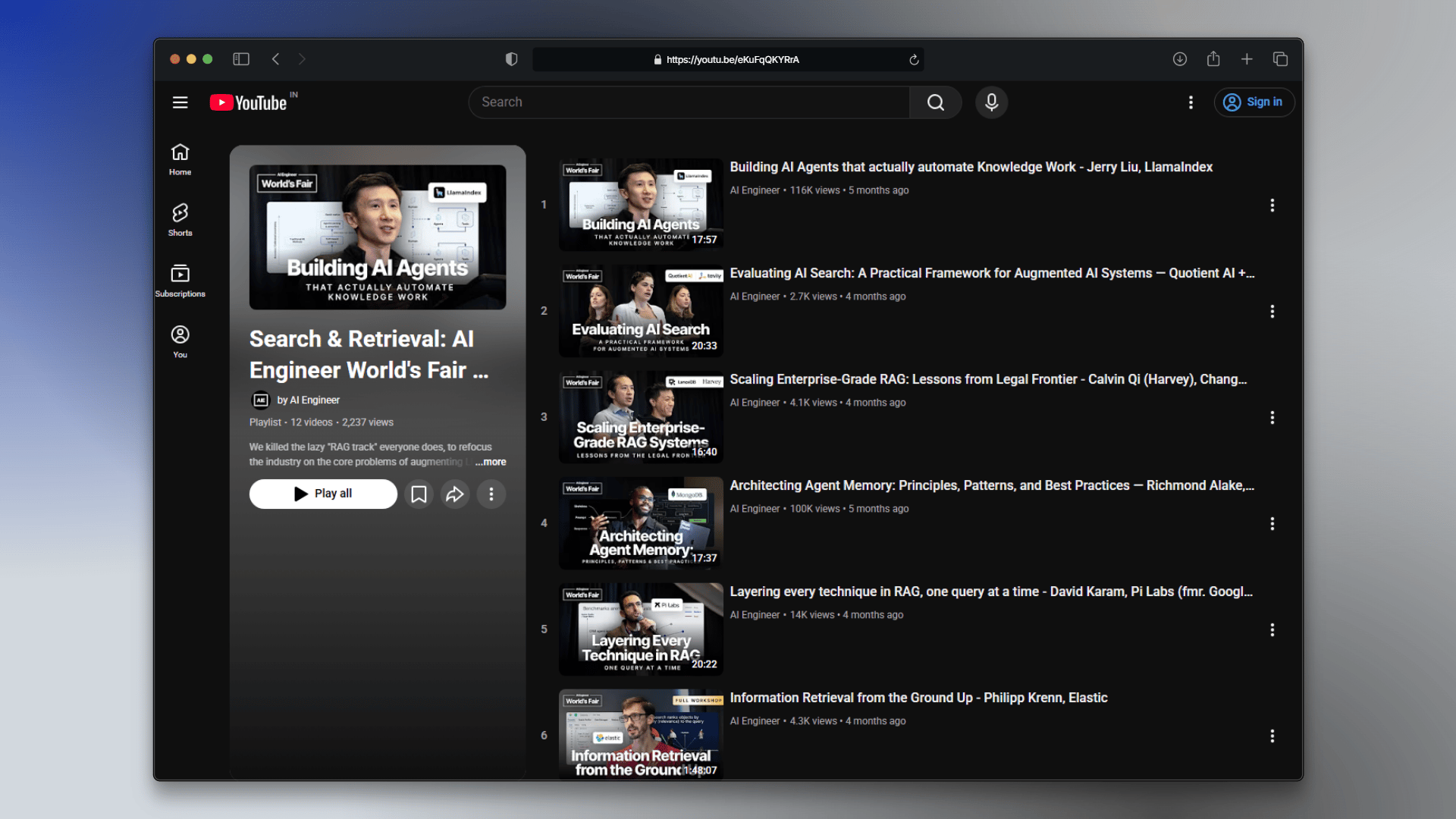
YouTube playlist
import { Agentset } from "agentset";

const agentset = new Agentset({
  apiKey: process.env.AGENTSET_API_KEY,
});

const ns = agentset.namespace("ns_xxxx");

const conferenceJob = await ns.ingestion.create({
  name: "AI Engineer World's Fair - Search & Retrieval Track",
  payload: {
    type: "YOUTUBE",
    urls: ["https://www.youtube.com/playlist?list=PLcfpQ4tk2k0W3T87n_MZGaV9WfWOmEWtQ"],
    includeMetadata: true,
  },
  config: {
    metadata: {
      source_type: "conference",
    },
  },
});

console.log(`Conference ingestion started: ${conferenceJob.id}`);
Each video in the playlist becomes a separate document with its own metadata (title, URL, duration). Transcripts are extracted and chunked automatically.

Step 2: Ingest individual YouTube videos

You can also ingest individual video URLs. Here we’ll add some podcast episodes and tag them as podcast to distinguish them from the conference playlist. We will ingest these YouTube videos
YouTube podcast episodes
const podcastJob = await ns.ingestion.create({
  name: "Podcast Episodes",
  payload: {
    type: "YOUTUBE",
    urls: [
      "https://youtu.be/ZWEOX610WEY",
      "https://youtu.be/eKuFqQKYRrA",
    ],
    includeMetadata: true,
  },
  config: {
    metadata: {
      source_type: "podcast",
    },
  },
});

console.log(`Podcast ingestion started: ${podcastJob.id}`);
Wait for both ingestion jobs to complete before searching. Check status via the API or on the dashboard.
Run a quick search to verify everything is ingested.
const results = await ns.search("How do I architect memory for AI agents?");

console.log(results.map((r) => r.text).join("\n\n"));
This returns results from all sources. Let’s make it smarter by routing questions to the right source automatically.

Step 4: Smart source routing

Not all questions need both sources. Technical “how do I implement X” questions benefit from conference talks. Questions about real-world experiences and opinions benefit from podcasts. Let’s build a router that classifies questions and searches the right source.

Classify the question type

Use an LLM to classify each question into one of three categories:
import { generateObject } from "ai";
import { openai } from "@ai-sdk/openai";
import { z } from "zod";

const classificationSchema = z.object({
  type: z.enum(["TECHNICAL", "OPINION", "BOTH"]),
  reasoning: z.string(),
});

async function classifyQuestion(question: string) {
  const { object } = await generateObject({
    model: openai("gpt-5-nano"),
    schema: classificationSchema,
    prompt: `Classify this question into one category:

- TECHNICAL: Implementation details, architecture, code, benchmarks, how things work
- OPINION: Experiences, what works/doesn't, predictions, advice, real-world challenges
- BOTH: Needs both technical details and practitioner perspectives

Question: "${question}"`,
  });

  return object;
}

const classification = await classifyQuestion(
  "How should I architect memory for an AI agent?"
);

console.log(classification);
// { type: "TECHNICAL", reasoning: "..." }

Route to the right source

Based on the classification, search the appropriate source:
async function routedSearch(question: string) {
  const { type } = await classifyQuestion(question);

  if (type === "TECHNICAL") {
    return ns.search(question, {
      filter: { source_type: "conference" },
    });
  }

  if (type === "OPINION") {
    return ns.search(question, {
      filter: { source_type: "podcast" },
    });
  }

  // BOTH: search both sources and combine
  const [confResults, podResults] = await Promise.all([
    ns.search(question, { filter: { source_type: "conference" }, topK: 5 }),
    ns.search(question, { filter: { source_type: "podcast" }, topK: 5 }),
  ]);

  return [...confResults, ...podResults];
}

Example: Technical question

A question about implementation routes to conference talks:
// "How do vector search benchmarks work?" → TECHNICAL → conferences
const results = await routedSearch("How do vector search benchmarks work?");

console.log(results.map((r) => r.text).join("\n\n"));

Example: Opinion question

A question about experiences routes to podcasts:
// "What prompt engineering techniques actually work?" → OPINION → podcasts
const results = await routedSearch("What prompt engineering techniques actually work?");

console.log(results.map((r) => r.text).join("\n\n"));

Example: Question needing both perspectives

A broad question searches both sources:
// "What's the state of RAG in 2025?" → BOTH → conferences + podcasts
const results = await routedSearch("What's the state of RAG in 2025?");

console.log(results.map((r) => r.text).join("\n\n"));

Step 5: Generate answers with smart routing

Combine the router with LLM generation to answer questions from the right sources.
import { Agentset } from "agentset";
import { generateText, generateObject } from "ai";
import { openai } from "@ai-sdk/openai";
import { z } from "zod";

const agentset = new Agentset({
  apiKey: process.env.AGENTSET_API_KEY,
});

const ns = agentset.namespace("ns_xxxx");

const SYSTEM_PROMPT = `You are an AI Engineering Assistant. Answer questions using only the provided context.

Rules:
1. Cite sources using [1], [2], etc.
2. If the context doesn't contain the answer, say so.
3. Be direct and practical.`;

async function answerQuestion(question: string) {
  // Route to the right source(s)
  const results = await routedSearch(question);

  // Build numbered context
  const context = results
    .map((r, i) => `[${i + 1}] ${r.text}`)
    .join("\n\n");

  // Generate answer
  const { text } = await generateText({
    model: openai("gpt-5.2"),
    system: SYSTEM_PROMPT + `\n\nContext:\n${context}`,
    prompt: question,
  });

  return text;
}

const answer = await answerQuestion(
  "How should I layer techniques in a RAG pipeline?"
);

console.log(answer);

Step 6: Video recommendations

Sometimes you don’t want an AI-generated answer. You want to know which video to watch. Let’s build a recommender that returns video suggestions instead of synthesized text.
interface VideoRecommendation {
  title: string;
  url: string;
  snippet: string;
}

async function recommendVideos(topic: string): Promise<VideoRecommendation[]> {
  const results = await ns.search(topic, { topK: 10 });

  // Group results by video (using title from metadata)
  const videoMap = new Map<string, VideoRecommendation>();

  for (const result of results) {
    const title = result.metadata?.title as string;
    const url = result.metadata?.url as string;

    if (title && !videoMap.has(title)) {
      videoMap.set(title, {
        title,
        url,
        snippet: result.text.slice(0, 200) + "...",
      });
    }
  }

  return Array.from(videoMap.values()).slice(0, 5);
}

const recommendations = await recommendVideos("building AI agents for sales");

for (const video of recommendations) {
  console.log(`📺 ${video.title}`);
  console.log(`   ${video.snippet}`);
  console.log(`   Watch: ${video.url}\n`);
}

Filter recommendations by source type

You can also filter recommendations to only show conference talks or podcasts:
async function recommendConferenceTalks(topic: string) {
  const results = await ns.search(topic, {
    filter: { source_type: "conference" },
    topK: 10,
  });

  const videoMap = new Map<string, VideoRecommendation>();

  for (const result of results) {
    const title = result.metadata?.title as string;
    const url = result.metadata?.url as string;

    if (title && !videoMap.has(title)) {
      videoMap.set(title, {
        title,
        url,
        snippet: result.text.slice(0, 200) + "...",
      });
    }
  }

  return Array.from(videoMap.values()).slice(0, 3);
}

const talks = await recommendConferenceTalks("enterprise RAG scaling");

console.log("Conference talks on this topic:\n");
for (const talk of talks) {
  console.log(`📺 ${talk.title}`);
  console.log(`   Watch: ${talk.url}\n`);
}

Recap

You’ve turned YouTube content into a searchable knowledge base. Here’s what you learned:
  • YouTube ingestion: Extract transcripts from playlists and individual videos with a single API call — no manual downloading or processing
  • Metadata tagging: Label content by type (conference, podcast) during ingestion for downstream filtering
  • Smart routing: Use an LLM to classify questions and automatically search the right source
  • Q&A generation: Generate answers with citations from routed results
  • Video recommendations: Return video suggestions instead of synthesized answers
The YouTube ingestion handles transcript extraction, chunking, and embedding automatically. You can apply the same routing and recommendation patterns to any content type you ingest.

Next steps