

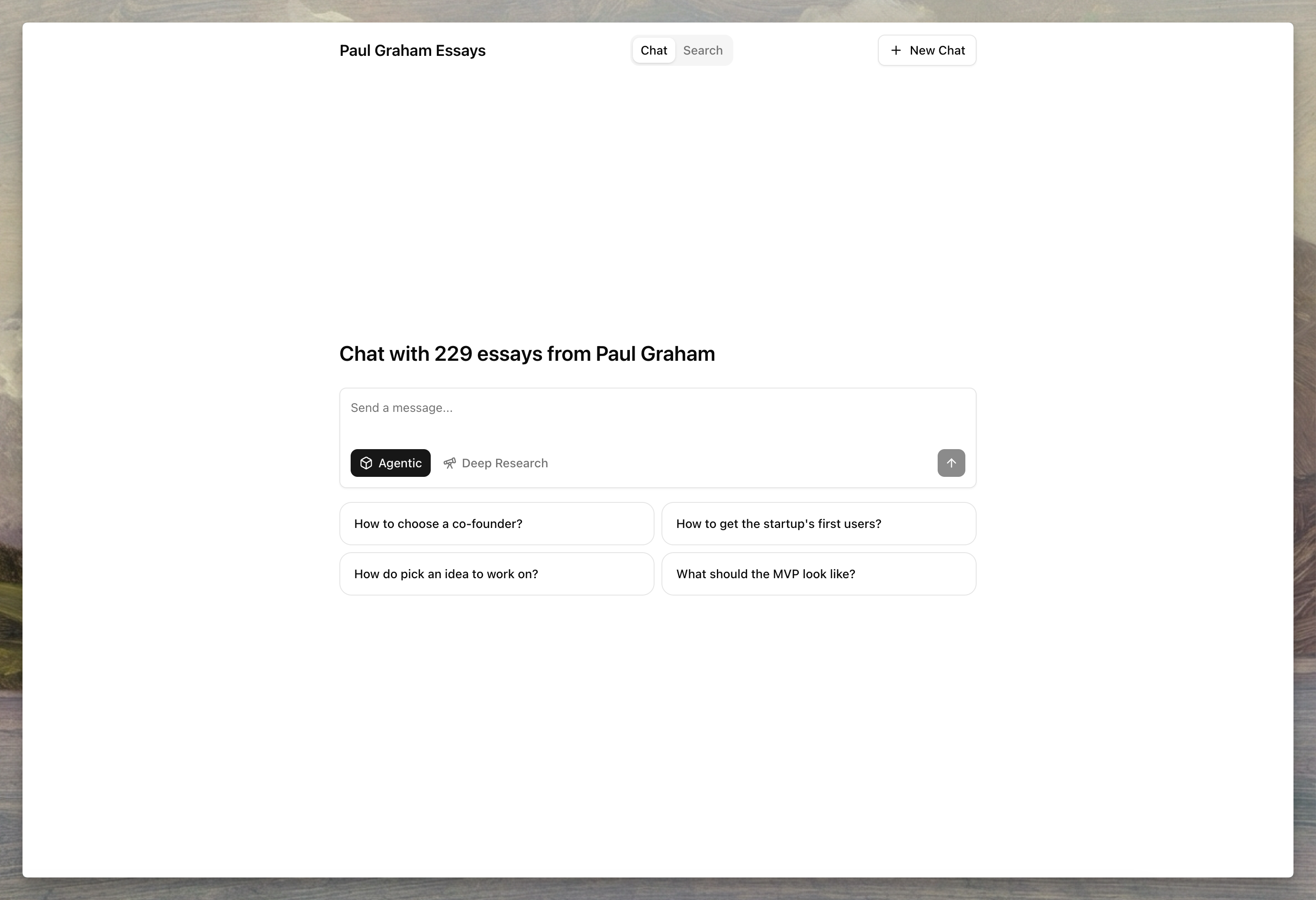
Enable hosting
Open your namespace in the dashboard and navigate to Hosting to enable the hosted interface.
Custom domain
Connect your own domain to serve the hosted interface from a branded URL. To configure a custom domain:- Add your domain in the Custom Domain field
- Create a CNAME record pointing to
cname.agentset.ai - Save and wait for DNS propagation
Protection
Restrict access to specific users by configuring email or domain allowlists.Customize the interface
Configure the appearance and behavior of your hosted chat interface from the dashboard.Hosting details
Chat settings
A custom system prompt controls persona and behavior. Agentset always
appends its retrieval and citation rules, so inline citation pills keep
working — don’t add citation-format instructions to a custom prompt.
Search settings
Manage hosting via API
Enable hosting
Get hosting configuration
Update hosting settings
Disable hosting
Next steps
- API Reference — Hosting endpoint parameters and options
- Search — Learn about search configuration options
- Ranking — Understand how reranking improves results
- Citations — Configure citation formatting