Agentset processes more than just text. Images embedded in your documents are automatically extracted and analyzed. You can also upload standalone images directly. YouTube videos can be ingested for transcript-based search.

Images

Agentset supports images in two ways:
MethodDescription
Images in documentsWhen you upload PDFs, Word docs, or presentations containing images, Agentset automatically extracts and processes them.
Standalone imagesUpload image files directly (.png, .jpg, .jpeg, .webp, .gif, .tiff) for processing.
Both methods work the same way: each image is analyzed to generate a description and extract any visible text, making visual content searchable alongside your text.

How image processing works

During generation, images are preserved and returned with their context, allowing your LLM to reference the original visuals when answering questions. For example, if your document contains this image:
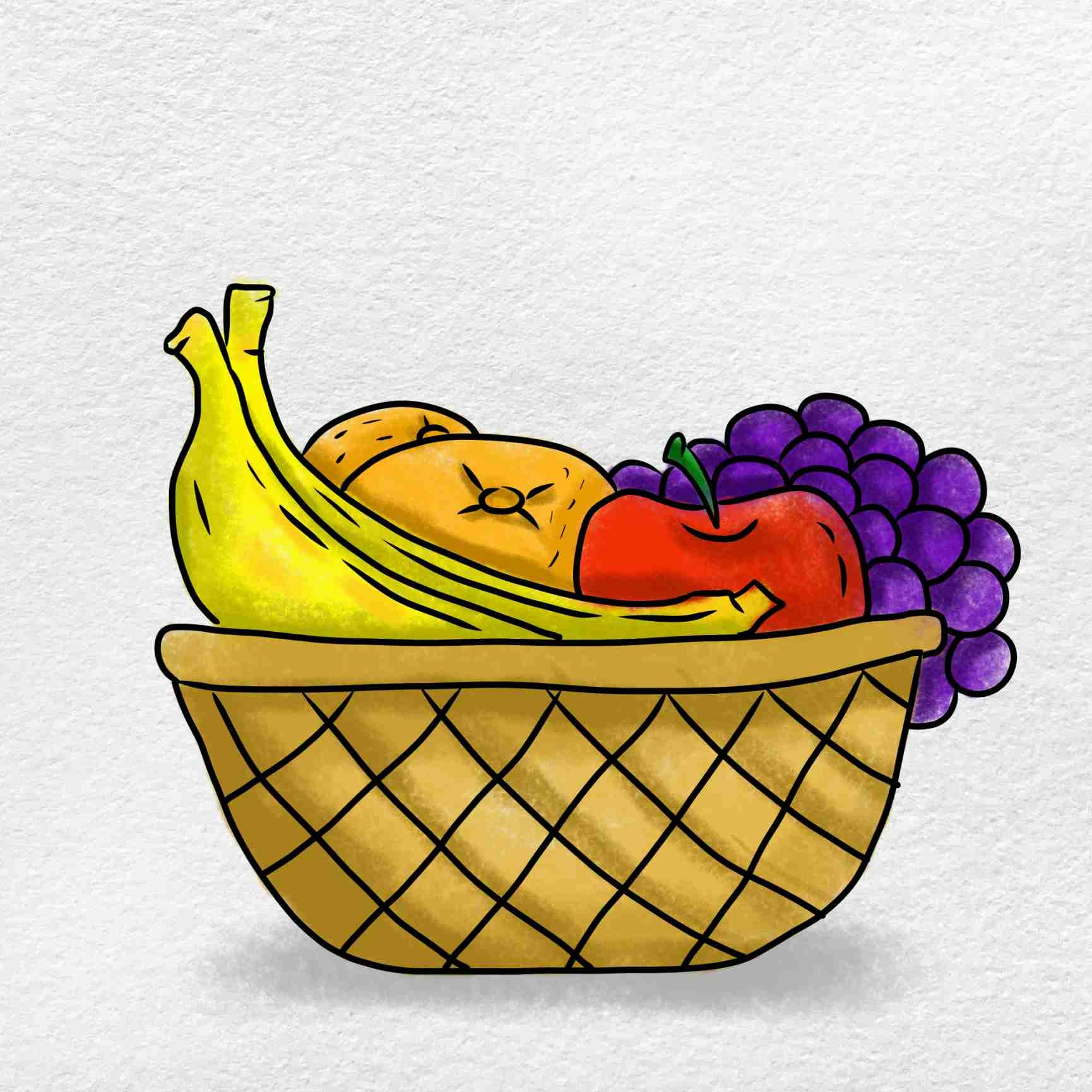
Fruit basket example
Agentset generates a description and returns it in markdown format:
![A colorful illustration of a woven basket with a dark crisscross pattern.
It's filled with fruits: a pair of long yellow bananas in front, two round
orange-yellow fruits tucked behind them, a red apple with a green stem,
and purple grapes cascading over the right edge.](https://files.agentset.ai/...)
This description becomes searchable—queries like “basket with apples” or “fresh fruit” will match this image.

Native image embedding

For use cases requiring direct visual similarity search, Agentset supports multimodal embedding models that encode images natively rather than converting them to text descriptions. This is useful for product catalogs, visual search, and design asset retrieval. Contact us for access to native image understanding.

Audio and video

YouTube

Ingest YouTube videos, playlists, and channels by providing their URLs. Agentset extracts transcripts and metadata, making video content searchable.
import { Agentset } from "agentset";

const agentset = new Agentset({
  apiKey: process.env.AGENTSET_API_KEY,
});

const ns = agentset.namespace("YOUR_NAMESPACE_ID");

const job = await ns.ingestion.create({
  payload: {
    type: "YOUTUBE",
    urls: ["https://www.youtube.com/watch?v=dQw4w9WgXcQ"],
  },
});

console.log(`Ingestion started: ${job.id}`);

Multiple videos

Pass multiple URLs to ingest several videos, playlists, or channels in a single request.
const job = await ns.ingestion.create({
  payload: {
    type: "YOUTUBE",
    urls: [
      "https://www.youtube.com/watch?v=dQw4w9WgXcQ",
      "https://www.youtube.com/playlist?list=PLrAXtmErZgOeiKm4sgNOknGvNjby9efdf",
      "https://www.youtube.com/@AgentsetAI",
    ],
  },
});

YouTube options

Configure transcript language and metadata extraction.
const job = await ns.ingestion.create({
  payload: {
    type: "YOUTUBE",
    urls: ["https://www.youtube.com/watch?v=dQw4w9WgXcQ"],
    transcriptLanguages: ["en", "es", "fr"],
    includeMetadata: true,
  },
});
OptionTypeDefaultDescription
transcriptLanguagesstring[]["en"]Preferred transcript languages. Agentset fetches the first available transcript matching these language codes.
includeMetadatabooleanfalseInclude video metadata (description, tags, category, duration) in the ingestion.
YouTube ingestion is processed asynchronously. Learn how to check upload status.

Other video and audio formats

Contact us for early access to additional video and audio formats.

Next steps